Coming from the TradingView Report Enhancer or the Portfolio Aggregator? Both have been retired. TradeProof’s free tier does the same job, and more.
What it does
Paste a trade list into Excel or Google Sheets: a TradingView strategy tester export, a broker export, or rows you typed yourself.
TradeProof maps the columns, tells you what it found, and lets you correct anything it guessed. Then it answers the question a journal can’t: did this strategy actually work, and how badly could it have gone?
Your data doesn’t move. The analysis runs inside your own spreadsheet. The only network request TradeProof makes is a licence check that sends your key and nothing else.
What it measures
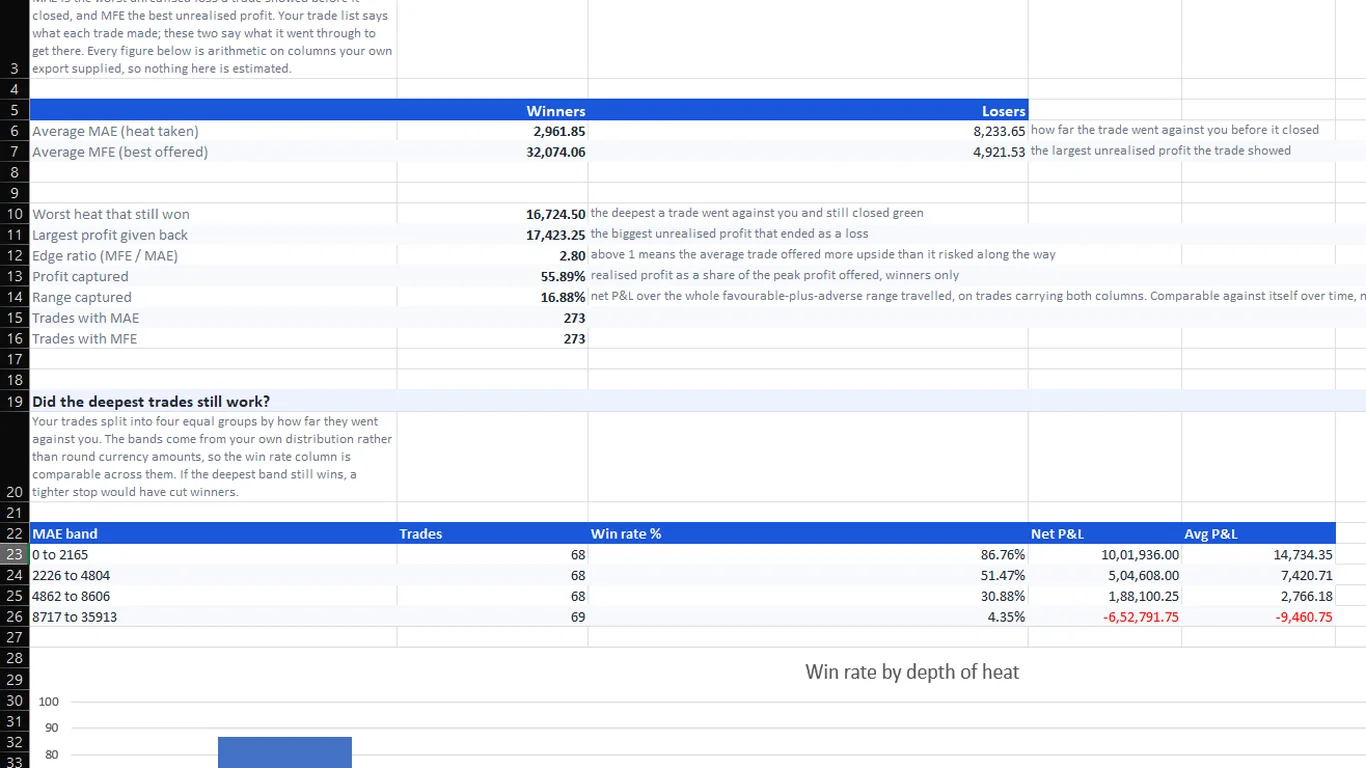
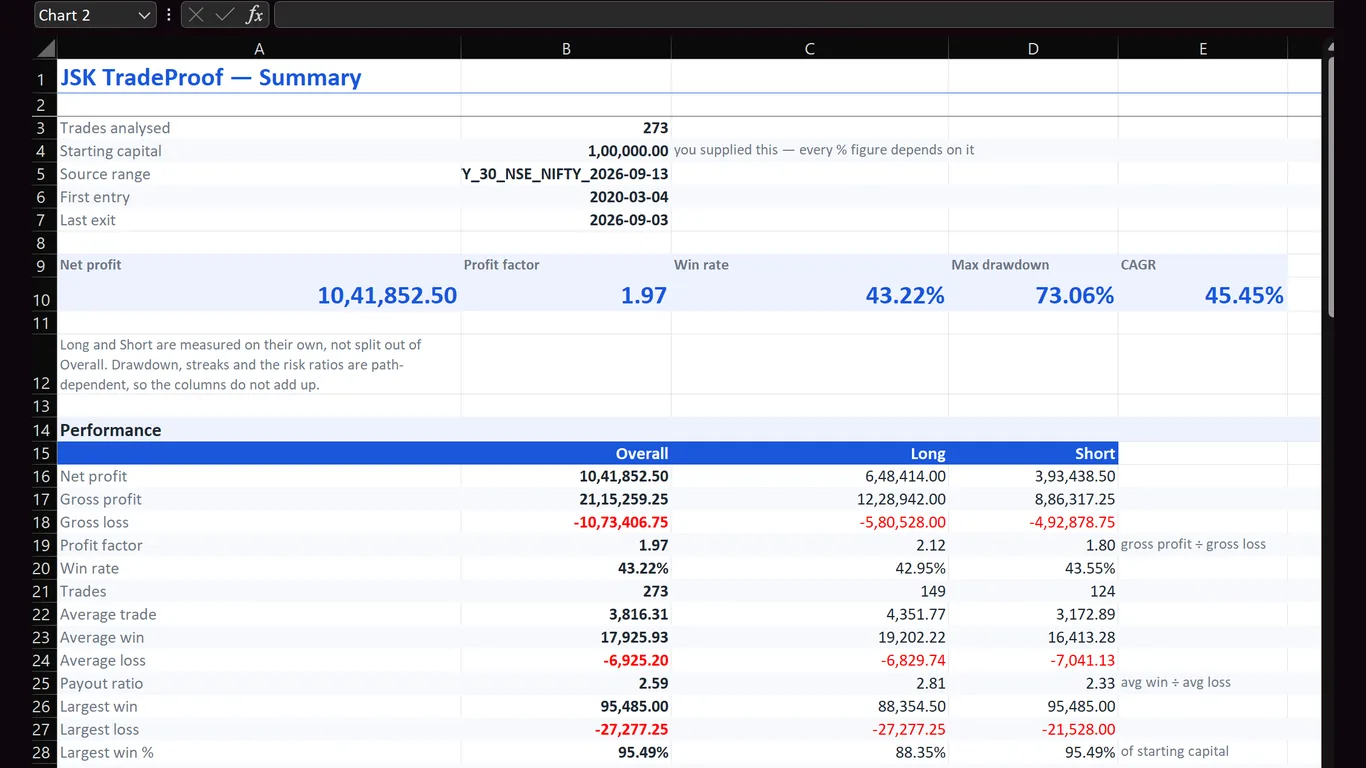
- 45 performance and risk metrics, each computed three ways: all trades, longs only, shorts only. Profit factor, expectancy, Sharpe, Sortino, SQN, payout ratio, drawdown in money and percent.
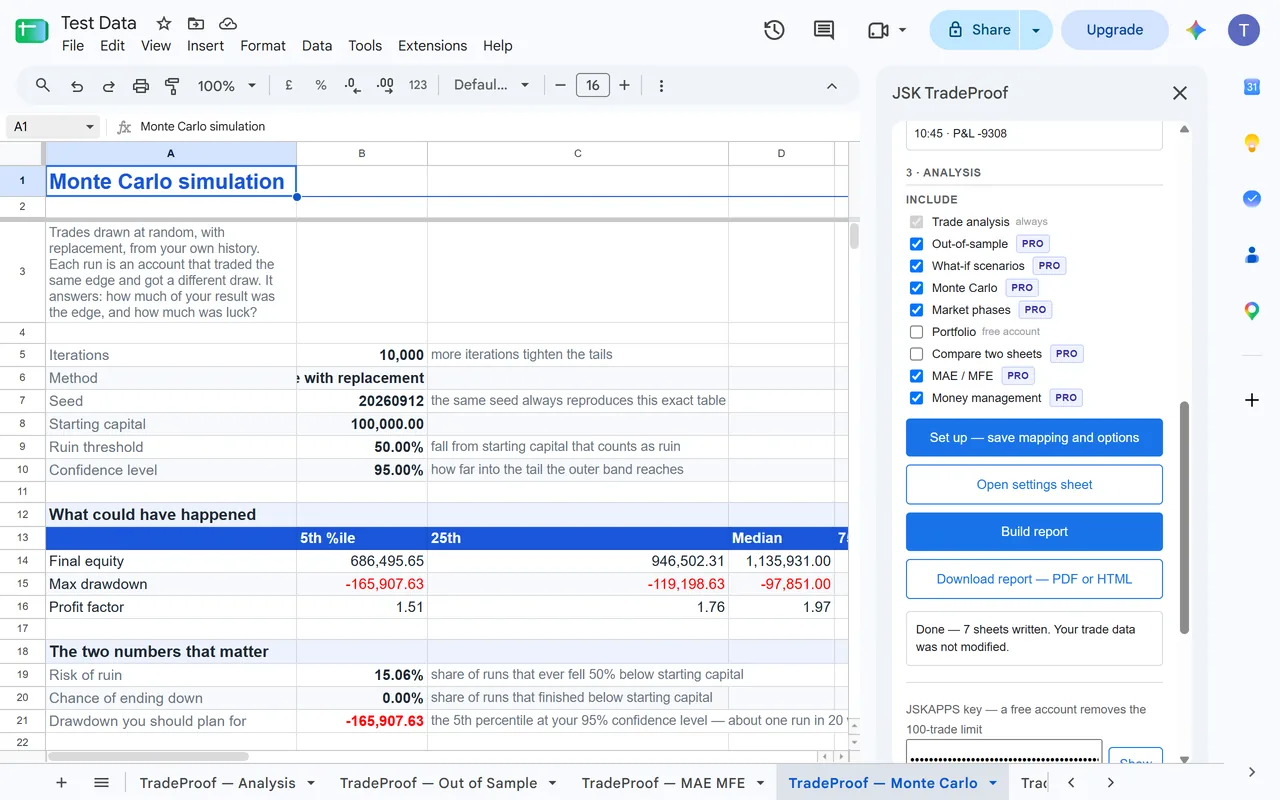
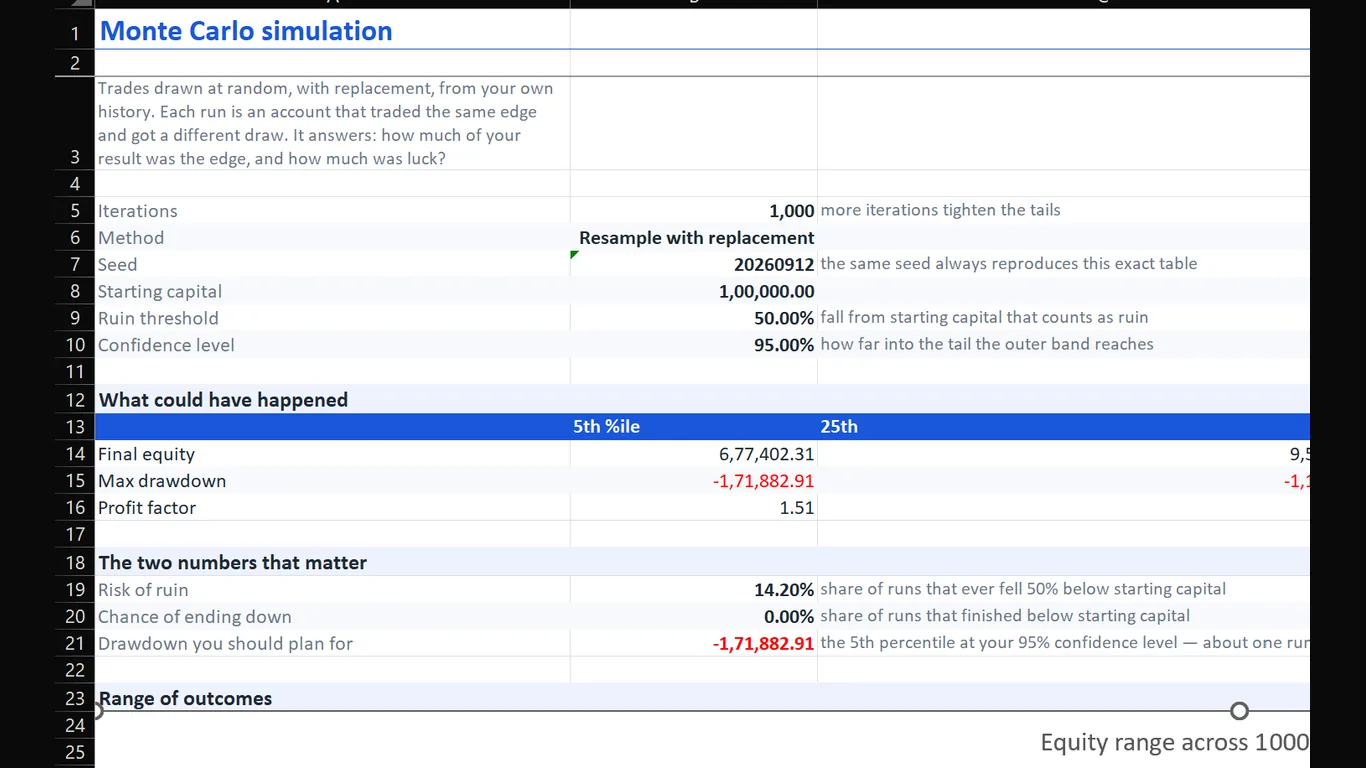
- Monte Carlo: your own trades resampled thousands of times to show the range of outcomes the same edge produced, including risk of ruin.
- What-if scenarios: the record without your three best trades, at half position size, or long only.
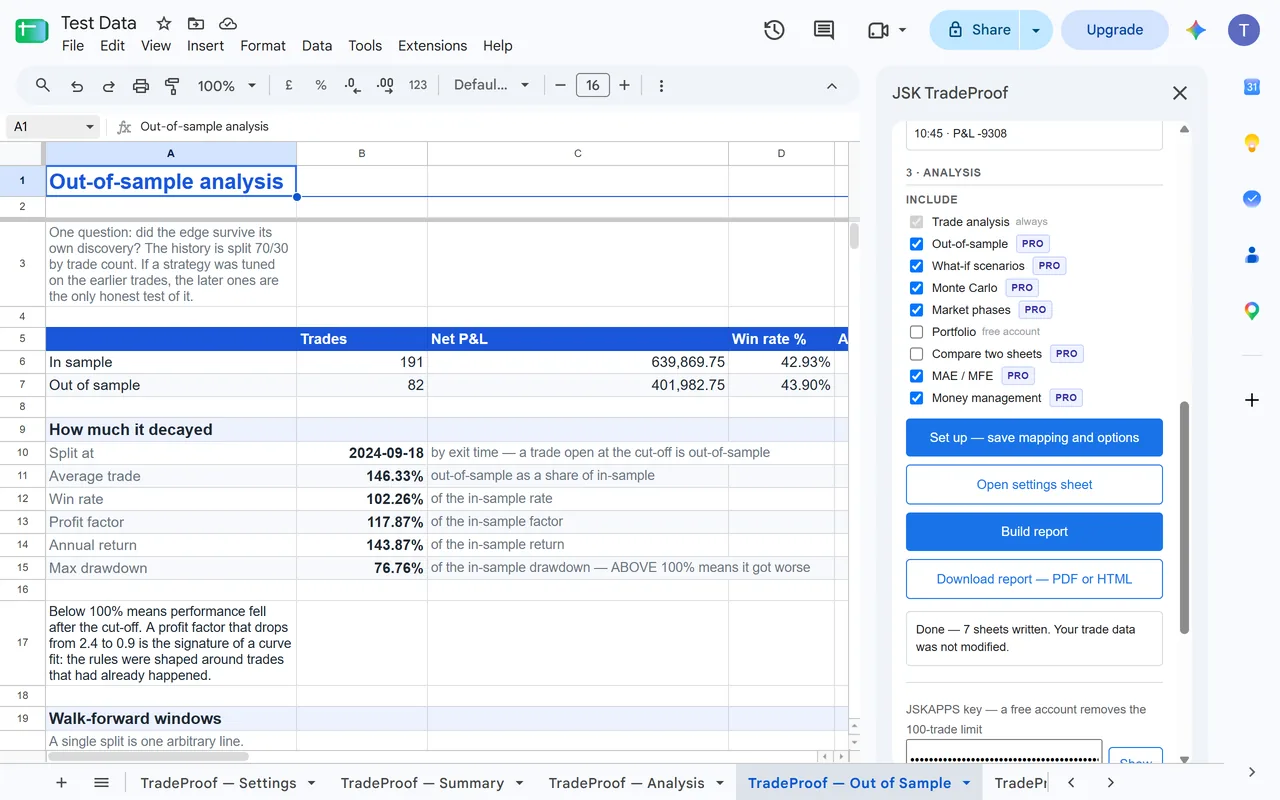
- Out-of-sample and walk-forward: split the history and compare the parts, so a result isn’t just a description of the period you fitted to.
- Market phases you define: your own date ranges, grouped by entry time.
- Portfolio: several strategies side by side, with a correlation matrix, and whether combining them actually reduced the drawdown.
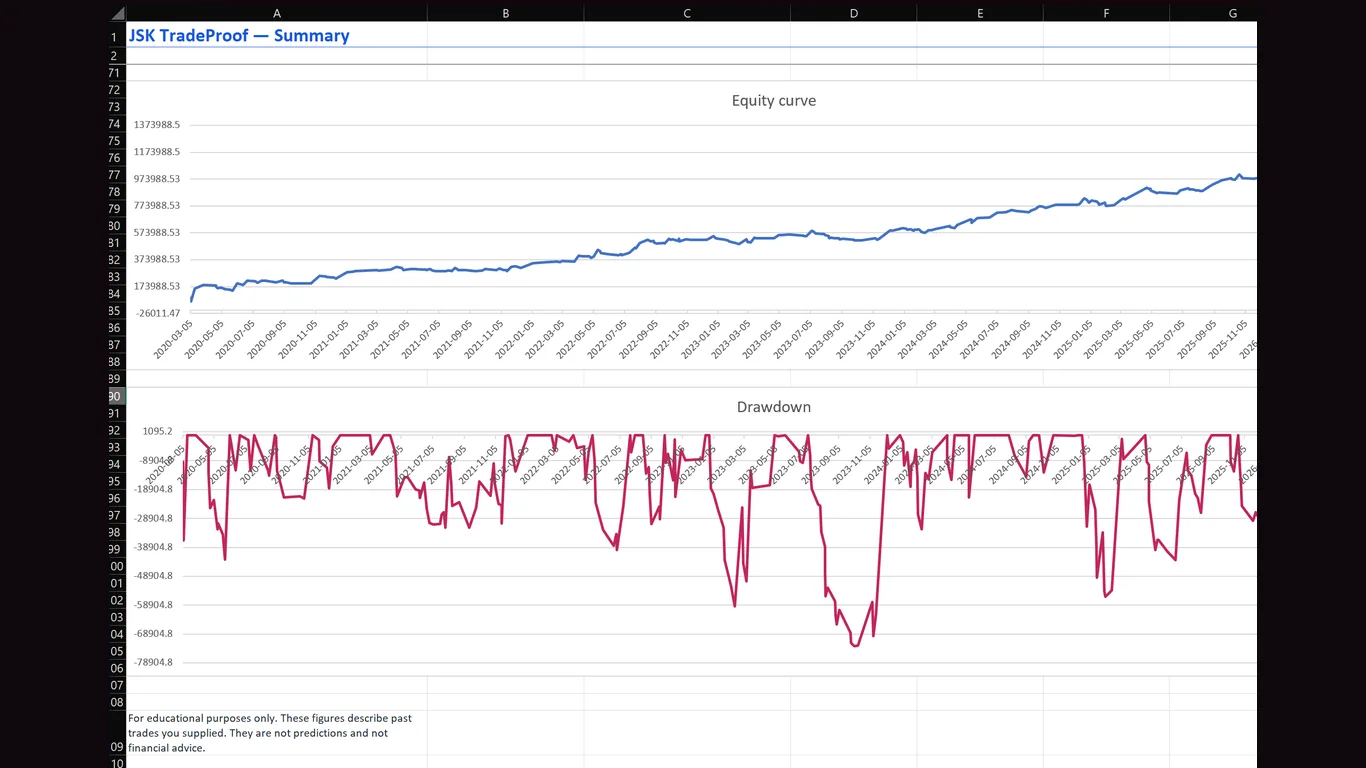
- A report you can send: a self-contained HTML file or a PDF.
Free and Pro
- Instant (free, no account): analyse up to 100 trades.
- Free account: unlimited trades, portfolios of up to 3 strategies.
- Pro: Monte Carlo, advanced what-if analysis, money management tools, unlimited portfolio strategies and custom report branding. Pro has a free trial.
Pricing and trial details are on JSKAPPS.
How it works
- Select your trades: a range, or the whole sheet.
- Check the mapping: TradeProof guesses each column and flags the ones it was unsure of.
- Choose your analyses: every option is kept on a settings sheet, so a report can be reproduced months later.
- Build the report: new sheets appear beside your data. Your own sheet is never modified.
- Download it: HTML or PDF, self-contained, opens offline.